How to Buy a Ready-Made Account Safely: A Step-by-Step Tutorial
Follow this step-by-step tutorial to buy a ready-made account on DUAL SMS, understand warranty and stock, and securely use the credentials, keys, links, and files you receive.
DUAL SMS Team
Published June 14, 2026
Buying a ready-made account should feel effortless, and on DUAL SMS it is — but a little preparation makes the experience smoother and keeps your purchase secure. This tutorial walks you through the whole journey: topping up your balance, reading a product listing properly, completing the purchase, and then handling the credentials, keys, links, and files that arrive instantly in your dashboard.
Before you begin
All you need is a DUAL SMS account with enough balance for the product you want. Balance is added instantly with UPI, so you can top up the exact amount in seconds. Decide which product you need first, so you can add the right amount and check out without interruption.
Step 1: Read the listing carefully
Every ready-made product shows the details that matter before you commit: the price, any discount, the live stock count, a warranty period, and a row of badges describing exactly what the order will deliver — credentials, a code, a link, a file, and so on. Read these first. The 'what you get' badges tell you whether you will receive a login, a license key, an activation link, or a combination.
- Check the stock indicator — low stock means popular items can sell out
- Note the warranty so you know your replacement window
- Scan the delivery badges to understand what you will actually receive
- Read the description and feature list for any usage conditions
Step 2: Confirm the purchase
When you are ready, confirm the purchase. Your balance is charged instantly and the order is fulfilled in the same moment — there is no pending state and no seller to wait for. If your balance is short, top up with UPI and try again; payments confirm within seconds.
Step 3: Open your delivery in My Accounts
Your new account appears immediately in the My Accounts panel. Expand it to reveal the full delivery. Each field has the right control for its type: passwords and secrets have a reveal toggle and a copy button, codes and keys copy with one tap, links open in a new tab, and files download straight to your device.
How to handle each delivery type
- Credentials — reveal the password, copy it, then sign in on the official site
- License key or code — copy it and paste it into the service's activation screen
- Activation link — open it while signed in to your own account if the listing says so
- File — download and store it somewhere private, such as a password manager vault
- Secret — reveal only when you need it and never share it
Step 4: Protect your purchase
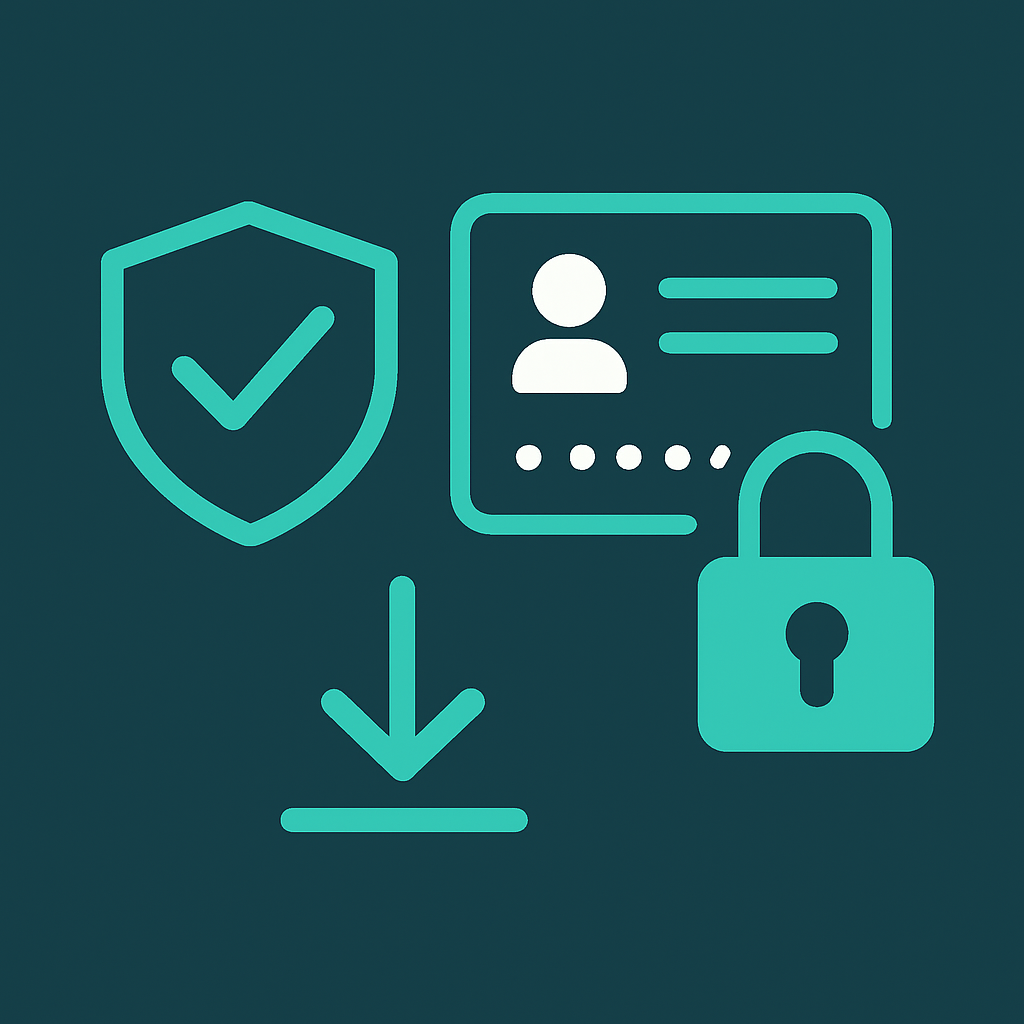
Once you have access, keep it secure. If the product carries a warranty, avoid changing the account email, password, or recovery details unless the listing explicitly allows it — unauthorized changes can void your replacement coverage. For products you fully own, update the security details promptly and enable two-factor authentication where possible.
The safest moment to secure an account is the minute you receive it — before you start relying on it.
If something is not right
Ready-made accounts ship with a warranty for exactly this reason. If a login does not work or a key fails to activate within the warranty window, contact support with your order ID and the issue, and a replacement can be arranged. Keep your order details handy and reach out promptly rather than attempting risky workarounds.
You are ready
That is the entire process: read the listing, confirm, open your delivery, and secure it. Once you have bought one ready-made account, every future purchase follows the same simple path — and because delivery is instant, you go from checkout to access in well under a minute.
Frequently asked questions
- How do I buy a ready-made account?
- Add balance to your DUAL SMS account with UPI, open the Ready-made catalog, review the product's price, stock, warranty, and delivery badges, then confirm the purchase. The account details appear instantly in the My Accounts panel.
- Is there a warranty on ready-made accounts?
- Most products include a warranty period shown on the listing. If a login or key fails within that window, contact support with your order ID to arrange a replacement. Avoid changing account details, as that can void the warranty.
- How do I use the credentials and keys I receive?
- Each delivery field has the right control: reveal and copy passwords, copy license keys to paste into activation screens, open activation links in a new tab, and download any attached files. Then sign in or activate on the official service site.
Ready to try a virtual number?
Create a free account and receive your first OTP in seconds.
Get started free