5 Practical Ways to Keep Your Online Accounts Secure with OTP
Actionable security tips for using one-time passwords, two-factor authentication, and virtual numbers to protect your digital identity.
DUAL SMS Team
Published May 6, 2026
Passwords alone are no longer enough to keep an account safe. Data breaches leak billions of credentials every year, and attackers use automated tools to try those stolen passwords across thousands of sites. A one-time password adds a second lock that those automated attacks cannot pick, which is why OTP and two-factor authentication stop the overwhelming majority of account takeovers.
But security tools only work if you use them correctly. Below are five practical, beginner-friendly habits that make your OTP-protected accounts genuinely hard to break into — without making your daily life harder.
1. Never share a live OTP with anyone
This is the single most important rule. A legitimate company will never call, message, or email you asking you to read out a one-time code. The code is meant for you alone, and the entire security model collapses the moment you hand it to someone else.
If anyone — even someone claiming to be support staff, a delivery driver, or a friend in trouble — asks for your OTP, treat the request itself as the attack. Hang up, ignore the message, and report it.
2. Separate identities with virtual numbers
When you use the same personal number everywhere, a breach on one careless platform can be linked back to all your other accounts and to your real identity. Using a dedicated virtual number for sign-ups breaks that chain. Each verification stays compartmentalized, so a leak in one place does not cascade across your digital life.
3. Prefer app-based 2FA where possible
SMS codes are excellent for sign-up and for platforms that require them. For your most sensitive accounts — email, banking, and anything holding money — layer an authenticator app on top. App-based codes are generated on your device and are resistant to SIM-swap attacks.
- Enable two-factor authentication on every important account
- Keep printed recovery codes somewhere offline and safe
- Review active sessions regularly and revoke anything unfamiliar
4. Use strong, unique passwords with a manager
OTP is your second factor, but the first factor still matters. Reusing one password across sites means a single breach unlocks everything. A password manager generates and remembers long, unique passwords for every account, so you only have to remember one master password.
5. Stay alert to phishing
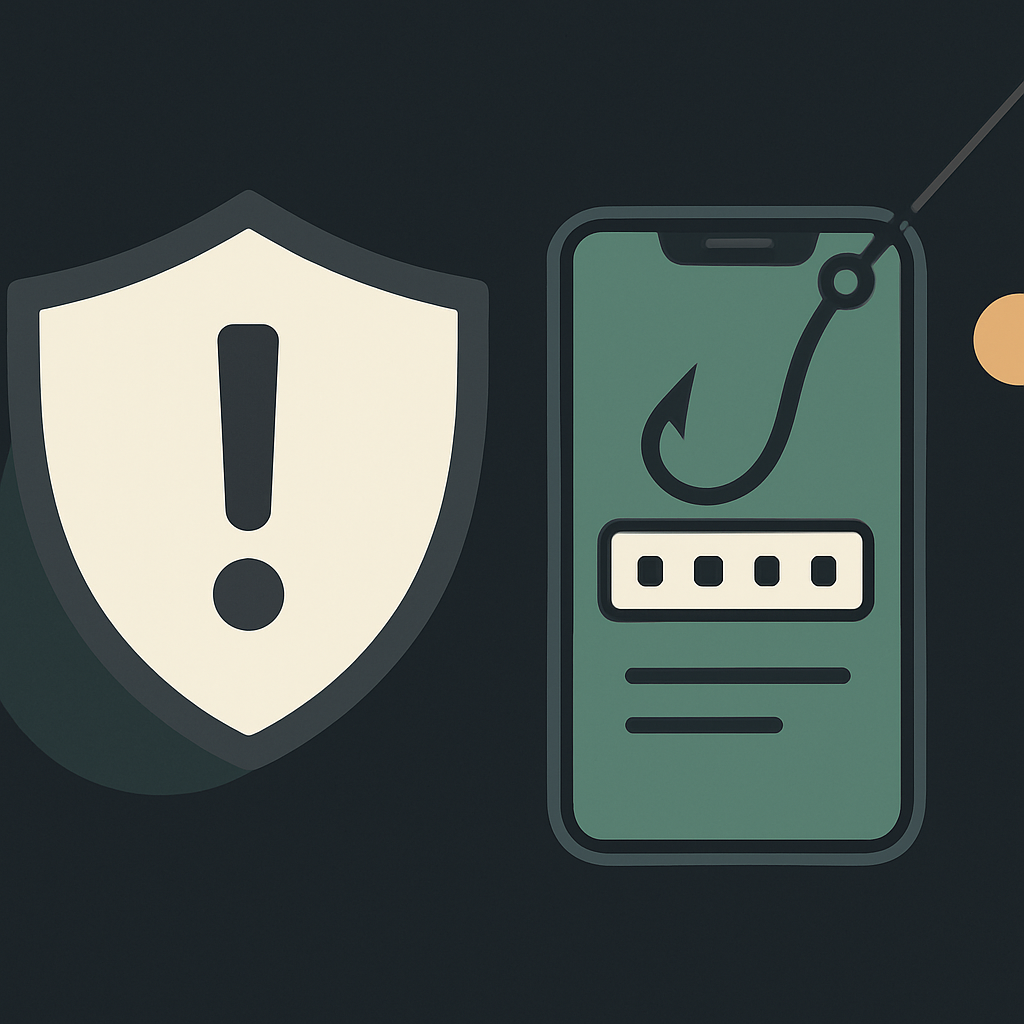
Many attacks do not break your security — they trick you into opening the door. Always check the website address before entering credentials, be suspicious of urgent messages demanding immediate action, and never follow login links from unexpected emails. When in doubt, navigate to the site directly.
Security is rarely about one perfect defense — it is about layering several good habits so that no single mistake is fatal.
Putting it together
Combine a unique password, OTP or app-based 2FA, a virtual number for privacy, and a healthy skepticism of anyone asking for your codes. These five habits take minutes to set up and protect you against the attacks that actually happen to ordinary people every day.
Ready to try a virtual number?
Create a free account and receive your first OTP in seconds.
Get started free