Discord Phone Verification Number Without Personal SIM
Learn how to verify your Discord account using a virtual number instead of your personal SIM. This guide covers practical steps for receiving the SMS code quickly and reliably.
· 1 min read
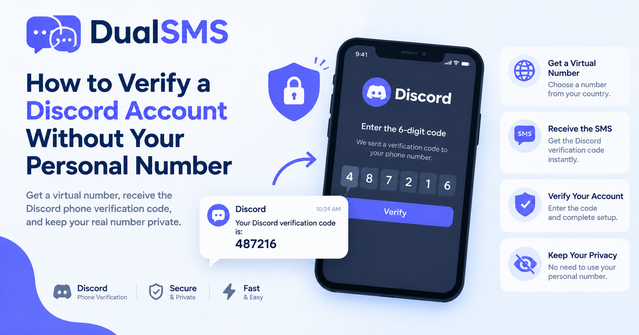
Many users need a Discord phone verification number because they prefer not to share their personal mobile details. Virtual phone number services let you receive the verification SMS online without exposing your own line.
Why Discord Requires Phone Verification
Discord asks for a phone number to reduce spam and secure accounts. If you don't want to use your real SIM, a virtual option provides a working alternative for one-time or temporary verification.
How Virtual Numbers Work for Discord
A virtual number is rented for a short time. You select a country and service, pay for the number, then watch the incoming SMS in real time. Once the code arrives, you enter it on Discord to complete verification.
Step-by-Step Verification Process
- Visit the Discord virtual numbers page and choose an available number.
- Copy the number and paste it into the Discord verification screen.
- Wait a few seconds for the SMS to appear on the service dashboard.
- Enter the code in Discord to finish the process.
- If no code arrives within the time limit, request a refund as per the service policy.
Choosing the Right Number for Discord
Select numbers from countries where Discord accepts them, such as the US or UK. Test one number at a time to avoid blocks. Always use fresh numbers for new accounts.
Common Problems and Fixes
Sometimes the SMS is delayed or the number is already used. Refresh the page, try a different number, or check that you selected the correct country code. Avoid reusing the same number across multiple Discord accounts.
Tips for Smooth Verification
- Use the number immediately after purchase.
- Keep the service tab open to see the code as soon as it lands.
- Do not share the number or code with anyone else.
- If verification fails repeatedly, consider waiting a few hours before trying again.
- Stick to services that offer automatic refunds for non-delivery.
Following these steps lets you complete Discord verification without giving out your personal phone number.
Questions people ask
Can I use a virtual number for Discord verification?
Yes, many users successfully receive the SMS code on virtual numbers provided by services like DualSMS.
What if the SMS does not arrive?
Request a refund through the automatic system if no code shows within the expected time.
Is it safe to verify Discord this way?
It follows Discord's normal verification flow and keeps your personal number private.
How long does the code usually take?
Codes typically appear within seconds on the service dashboard once the SMS is sent.
Keep reading
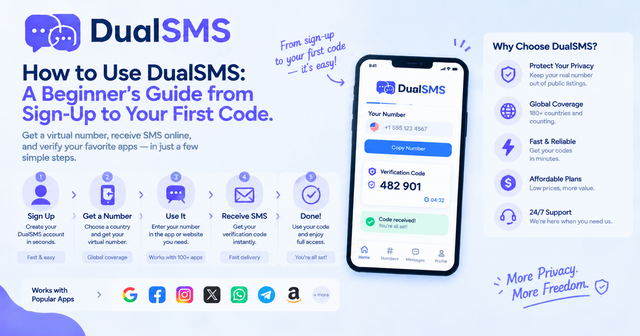
How to Use DualSMS: Beginner’s Guide to First SMS Code
Step-by-step instructions for signing up on DualSMS, choosing a virtual number, and receiving your first verification code. Automatic refunds apply if no SMS arrives.
· 2 min read
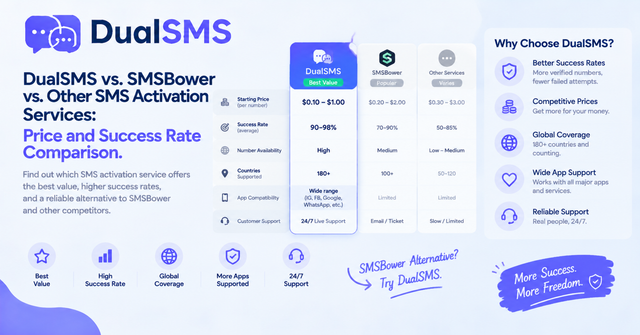
SMSBower Alternative for App Verification Codes
Looking for an SMSBower alternative or SMS-Activate alternative? DualSMS provides virtual numbers for receiving verification SMS with pay-per-use pricing and automatic refunds.
· 2 min read
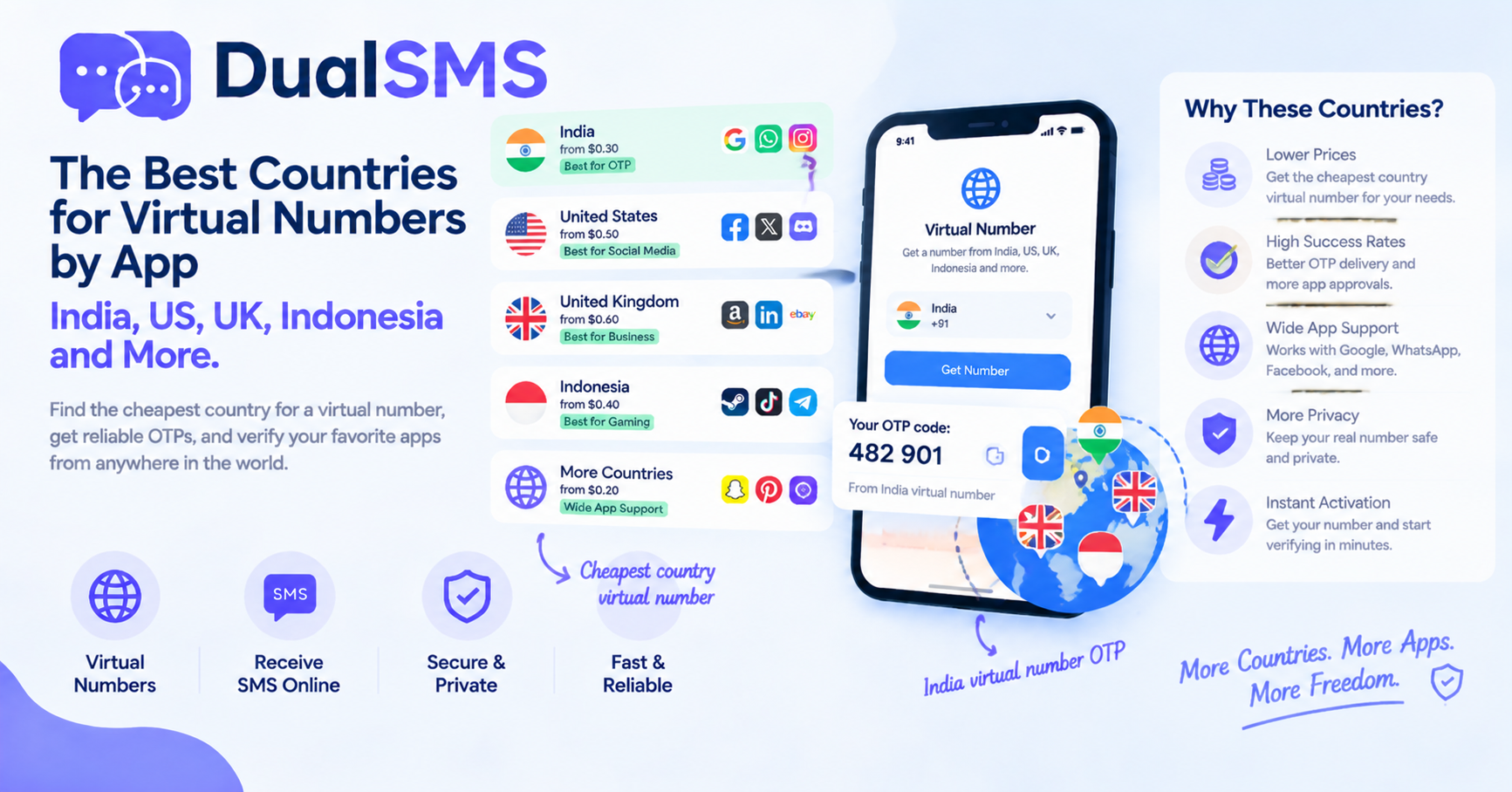
Cheapest Country Virtual Number for India OTP and Other Apps
Learn which countries offer practical options for virtual numbers to receive OTPs without a personal SIM. India virtual number OTP choices are frequently searched for apps like WhatsApp and Telegram.
· 1 min read