Google Phone Number Cannot Be Used for Verification: Fixes
Encountering the 'This phone number cannot be used' error during Google account setup? Discover practical reasons and steps to resolve it when verifying without a personal SIM.
· 1 min read
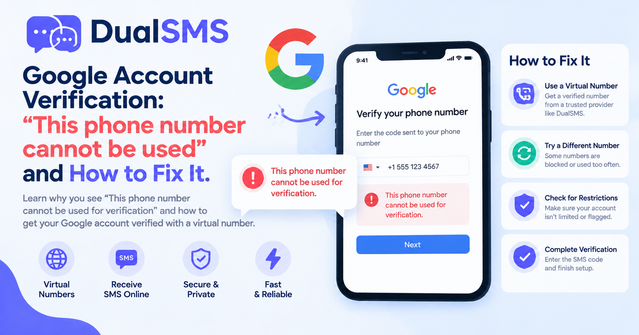
The 'This phone number cannot be used for verification' message from Google often appears when trying to add or confirm a phone number on a new or existing account. This blocks access to Gmail, YouTube, or other services for users without their own SIM card.
Why Google Rejects Some Numbers
Google checks numbers against known lists of VoIP, virtual, or previously flagged lines. Common triggers include heavy reuse of the same number across accounts or detection of non-carrier sources.
Step-by-Step Fixes to Try First
- Wait 24-48 hours and attempt verification again with the same number.
- Remove any existing phone numbers from the Google account settings before retrying.
- Use a different browser or device and clear cache/cookies.
- Verify during off-peak hours to avoid temporary blocks.
Using a Virtual Number Service
For users without a personal SIM, a virtual number from a dedicated service can sometimes bypass the error if the number is fresh and not overused. Try a Google virtual number to receive the code directly in your browser.
Numbered Steps for Virtual Verification
- Select a Google verification option on the site.
- Enter the virtual number provided.
- Check the incoming SMS on the service dashboard within seconds.
- Input the code on Google's page to complete setup.
Short Tips List
- Rotate numbers if one fails.
- Avoid creating multiple accounts on the same virtual line.
- Combine with email-only recovery options where possible.
- Test the number first on less strict services.
If the error persists across options, consider a physical SIM from a local carrier as a last resort for reliable Google verification.
Questions people ask
Why does Google say this phone number cannot be used?
Google flags numbers that appear virtual, reused, or associated with spam activity.
Can virtual numbers work for Google verification?
Some fresh virtual numbers succeed where others fail; test one from a service page.
How long should I wait before retrying a number?
Wait at least 24 hours after a failed attempt to avoid further blocks.
What if no number works for my Google account?
Try account recovery via backup email or set up a new account with a different approach.
Keep reading
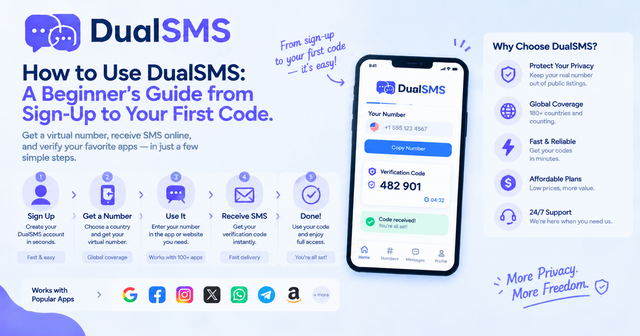
How to Use DualSMS: Beginner’s Guide to First SMS Code
Step-by-step instructions for signing up on DualSMS, choosing a virtual number, and receiving your first verification code. Automatic refunds apply if no SMS arrives.
· 2 min read
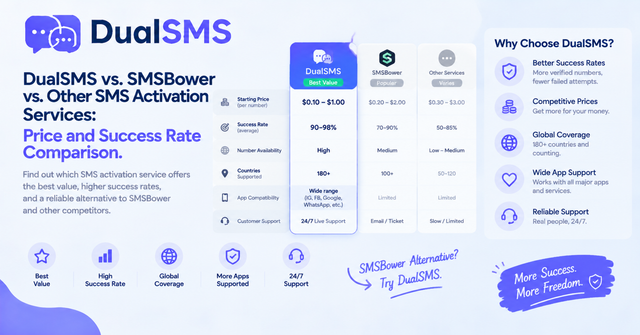
SMSBower Alternative for App Verification Codes
Looking for an SMSBower alternative or SMS-Activate alternative? DualSMS provides virtual numbers for receiving verification SMS with pay-per-use pricing and automatic refunds.
· 2 min read
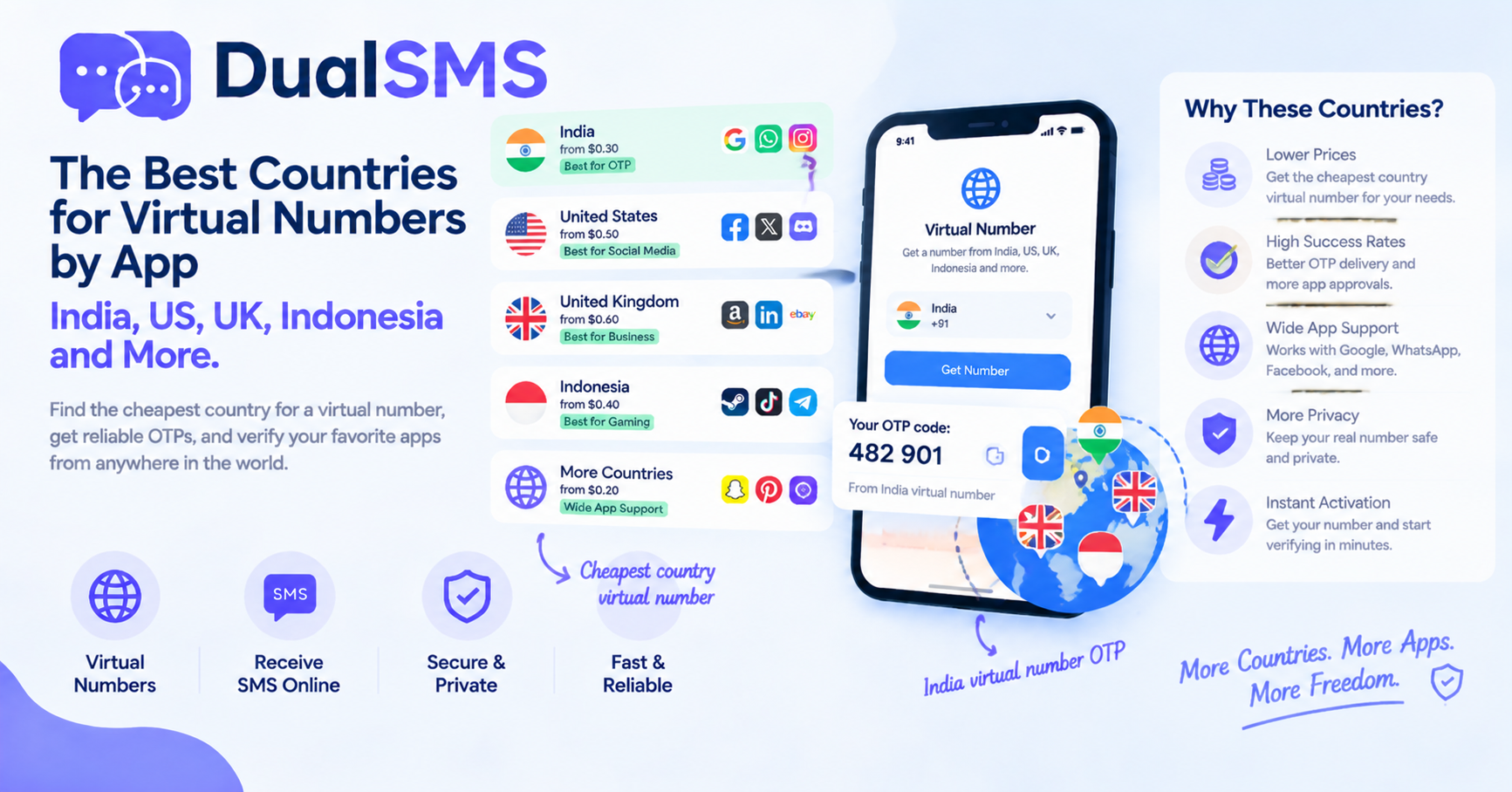
Cheapest Country Virtual Number for India OTP and Other Apps
Learn which countries offer practical options for virtual numbers to receive OTPs without a personal SIM. India virtual number OTP choices are frequently searched for apps like WhatsApp and Telegram.
· 1 min read