OTP Not Received? 9 Causes & Fixes for SMS Verification Code Not Coming
Troubleshooting why your SMS verification code isn't arriving? Here are the most common reasons and practical steps to fix OTP not received issues when verifying apps without your own SIM.
· 2 min read
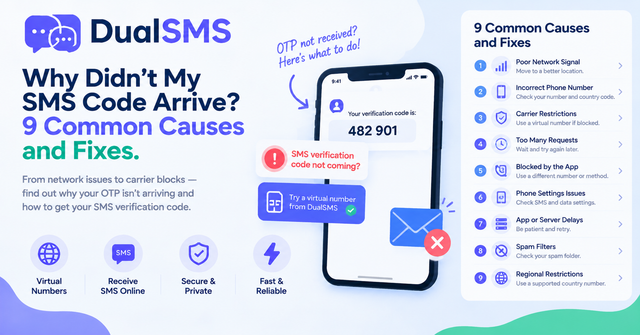
If you're seeing "OTP not received" or your SMS verification code not coming through, it's a frequent frustration when trying to sign up for apps without using your personal phone number. Virtual numbers from services like DualSMS can help, as you pay per number and get an automatic refund if no SMS arrives.
1. Weak or No Network Signal
Your device may simply not have a strong connection to receive the text.
- Check signal bars and try moving to a different location.
- Toggle airplane mode on and off.
- Restart your phone.
2. Carrier Restrictions on Short Codes
Some mobile carriers block messages from short codes used by verification services.
- Contact your carrier to whitelist the sender.
- Switch to a different SIM if possible.
3. Number Already Used or Flagged
Services often limit how many times a number can be used for verification.
Try a fresh virtual number from WhatsApp or Google, Gmail, Youtube pages.
4. International Number Not Supported
Many apps reject numbers outside certain countries.
Select a matching country on the DualSMS site when buying a number.
5. Too Many Failed Attempts
Repeated requests can trigger temporary blocks.
Wait 15-30 minutes before retrying, or use a new number.
6. App or Account Restrictions
The service itself may have detected suspicious activity.
Review the app's help center for specific requirements.
7. Device or App Settings Blocking SMS
Do Not Disturb or spam filters sometimes hide codes.
- Check notification settings.
- Search your messages for the code anyway.
8. Timing Issues with Delivery
SMS can take longer than expected, especially internationally.
Wait up to 5 minutes before assuming failure.
9. Virtual Number Limitations
Shared virtual numbers occasionally get temporary blocks from popular apps.
DualSMS uses a pay-per-number model with automatic refunds if no code arrives within the expected window. Browse options for Telegram, Instagram + Threads, or Discord.
Quick Tips
- Always request the code only once per number.
- Use the exact country matching the app's requirements.
- Check the DualSMS dashboard immediately for incoming messages.
- For temp mail needs alongside SMS, explore our additional tools.
This approach keeps verifications reliable without relying on your own SIM.
Questions people ask
Why is my OTP not received on virtual numbers?
Common reasons include the number being recently used or the app restricting certain virtual providers; try a new number with automatic refund if no SMS arrives.
How long should I wait for an SMS verification code?
Wait up to 5 minutes, as delays are common with international routes.
Does DualSMS refund if the code doesn't come?
Yes, we provide an automatic refund on our pay-per-number service if no SMS arrives.
Can I use the same number for multiple verifications?
It's best to use a fresh number each time to avoid flags from apps like WhatsApp or Instagram.
Keep reading
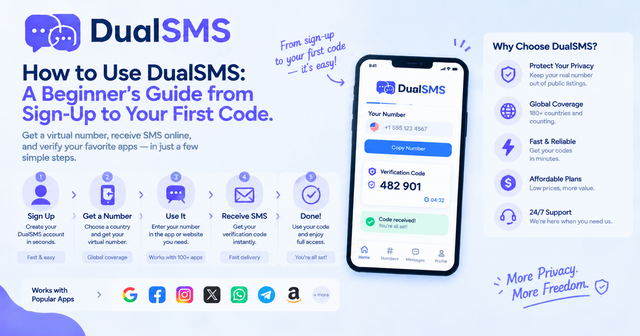
How to Use DualSMS: Beginner’s Guide to First SMS Code
Step-by-step instructions for signing up on DualSMS, choosing a virtual number, and receiving your first verification code. Automatic refunds apply if no SMS arrives.
· 2 min read
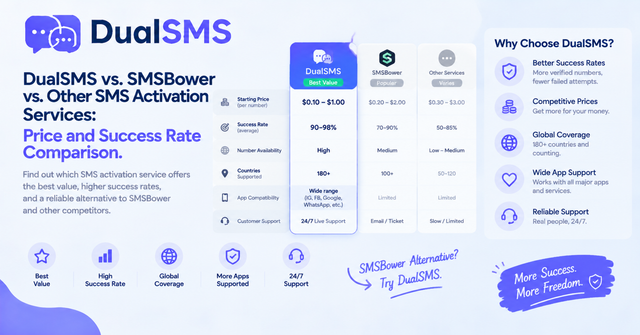
SMSBower Alternative for App Verification Codes
Looking for an SMSBower alternative or SMS-Activate alternative? DualSMS provides virtual numbers for receiving verification SMS with pay-per-use pricing and automatic refunds.
· 2 min read
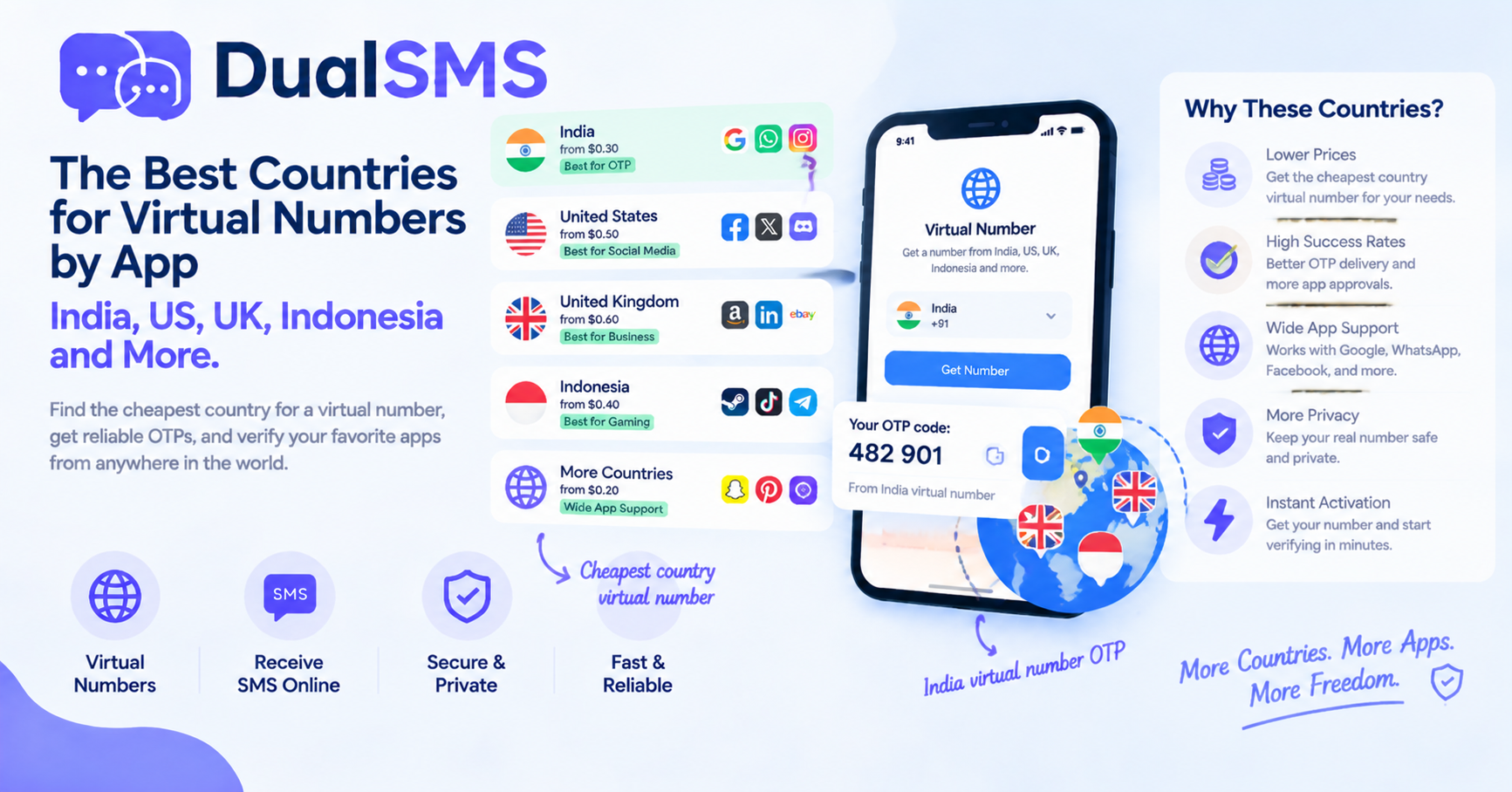
Cheapest Country Virtual Number for India OTP and Other Apps
Learn which countries offer practical options for virtual numbers to receive OTPs without a personal SIM. India virtual number OTP choices are frequently searched for apps like WhatsApp and Telegram.
· 1 min read