VoIP Number Not Accepted: Non-VoIP Alternatives
Apps often reject VoIP numbers for verification. Learn why this happens and how non-VoIP numbers from services like DualSMS provide a practical workaround for receiving SMS codes without using your personal SIM.
· 2 min read
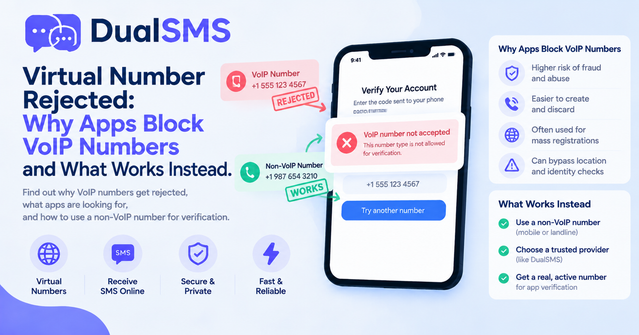
Why Apps Block VoIP Numbers
Many services detect and reject VoIP numbers during SMS verification. This happens because VoIP routes calls and texts over the internet, making them easier to generate in bulk for spam or abuse. Platforms use carrier detection to identify these ranges and block them to protect accounts.
If you see a "voip number not accepted" error, it usually stems from the number's provider type rather than the specific service. Common triggers include known data-center IPs or ranges flagged by carriers.
What Counts as a Non-VoIP Number for Verification
A non-VoIP number comes from traditional mobile carriers or specific virtual providers that route through real SIM infrastructure. These numbers pass carrier checks more reliably for one-time verifications.
DualSMS focuses on numbers suited for app sign-ups. You pay per number, see the code in seconds, and receive an automatic refund if no SMS arrives. This setup works for users who need verification without sharing their own phone.
Steps to Verify an App with a Non-VoIP Number
- Choose the target service from available options such as Whatsapp, Telegram, or Google, Gmail, Youtube.
- Select a country and number listed for that app.
- Enter the number in the app's verification field.
- Retrieve the code from the DualSMS dashboard once it arrives.
- Complete the sign-up and note any follow-up requirements.
Repeat the process for other platforms like Instagram + Threads, facebook, or Twitter / X.
Practical Options for Popular Apps
Services such as Discord, TikTok, and Amazon often require fresh numbers. Microsoft + Outlook and PayPal follow similar patterns. Always check the current availability on the site before purchasing.
For regional apps, explore listings under paths like 101Rummy or 1mg. Each page shows active numbers and expected delivery times.
Tips for Better Results
- Use the number promptly after purchase.
- Avoid reusing the same number across multiple accounts on the same platform.
- Test with lower-risk apps first if trying a new country.
- Monitor the dashboard for the SMS arrival instead of refreshing the app repeatedly.
These steps reduce the chance of repeated rejections without attempting to bypass platform rules.
Questions people ask
Why do apps say voip number not accepted?
Apps detect VoIP ranges to limit spam and fake accounts, so they block numbers from internet-based providers.
What is a non-voip number for verification?
It is a number routed through mobile carriers rather than pure VoIP, improving acceptance rates during sign-up.
How does DualSMS handle failed verifications?
You receive an automatic refund if the expected SMS does not arrive.
Can I use these numbers for multiple apps?
Each number works for one verification session; fresh numbers are recommended for new accounts.
Keep reading
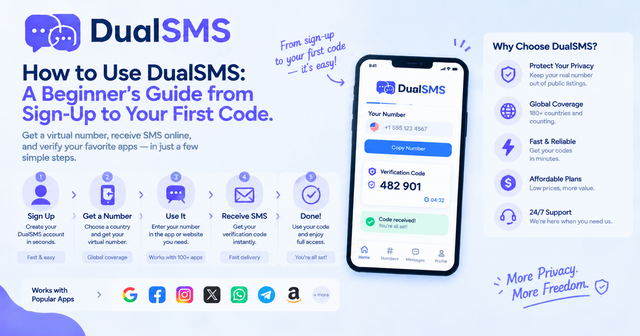
How to Use DualSMS: Beginner’s Guide to First SMS Code
Step-by-step instructions for signing up on DualSMS, choosing a virtual number, and receiving your first verification code. Automatic refunds apply if no SMS arrives.
· 2 min read
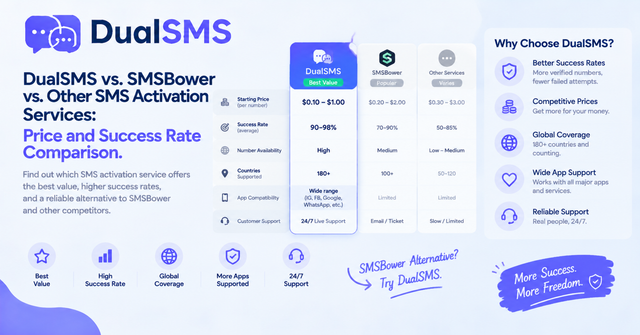
SMSBower Alternative for App Verification Codes
Looking for an SMSBower alternative or SMS-Activate alternative? DualSMS provides virtual numbers for receiving verification SMS with pay-per-use pricing and automatic refunds.
· 2 min read
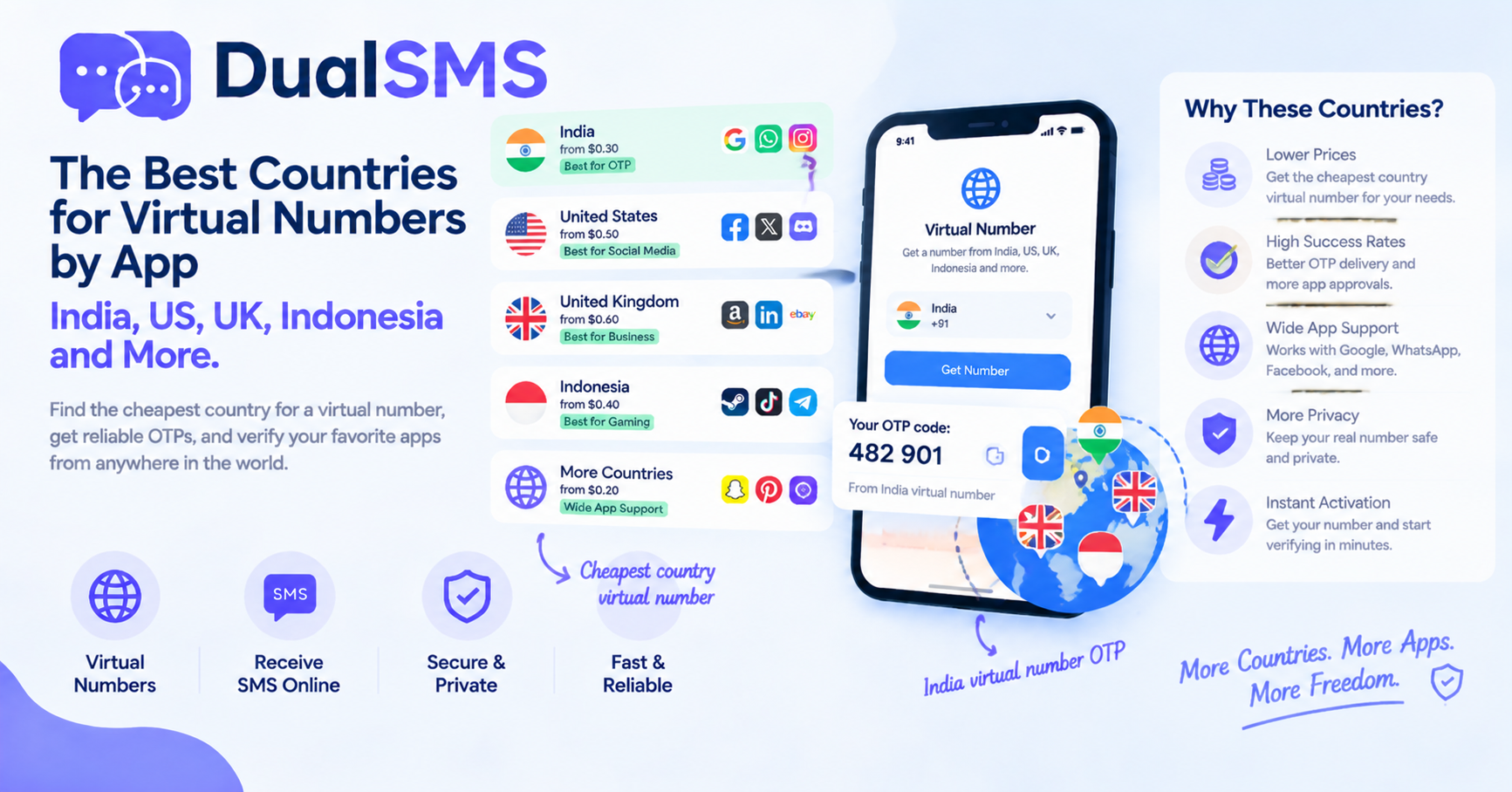
Cheapest Country Virtual Number for India OTP and Other Apps
Learn which countries offer practical options for virtual numbers to receive OTPs without a personal SIM. India virtual number OTP choices are frequently searched for apps like WhatsApp and Telegram.
· 1 min read